Stop chasing late invoices. Your own Gmail does it.
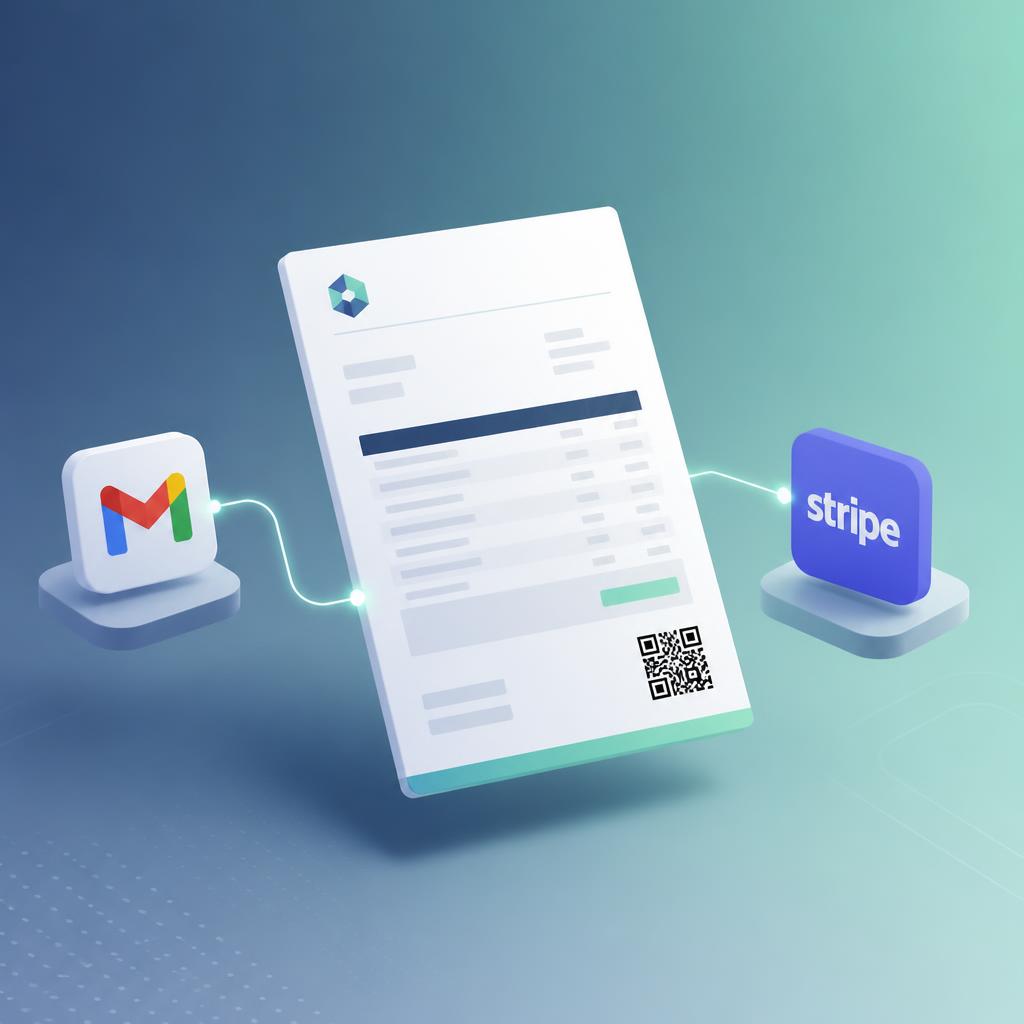
Other tools nag your client from a no‑reply address. Tavolik replies in the original thread, from your Gmail, signed with your name — with a Pay now button and QR on the invoice so settling up takes one tap. The sequence stops the second Stripe confirms payment.
Works on the PDFs you already send — Word, Google Docs, Canva, anything. No switching invoicing tools, no re‑entering invoices.
Built for freelancers who bill with
Freelancing shouldn't mean playing bill collector
Most freelancers still invoice with Word, Excel, or generic PDF generators. Clients pay late, you refresh your bank app ten times a day, and every overdue invoice means another awkward email you have to write yourself.
That's lost focus, lost time, and often lost money.
From static PDF to smart, tracked invoice in three steps
Upload your existing invoice PDF
We automatically parse the key fields — client, dates, amount, invoice number, bank details — and pre‑fill a simple invoice form for you to review.
Brand it, enable QR & payment link
Add your logo, choose whether to include a QR code, and we generate a new branded PDF plus a Stripe payment link your client can use from any device.
Connect Gmail and let reminders run
Connect Gmail via OAuth once. Polite, professional reminders send from your own email before and after the due date — and stop the moment Stripe reports payment.
Designed for freelancers who bill in PDFs and hate chasing payments
Invoice PDF parsing
Upload your existing invoice and skip manual typing — we extract dates, amounts, and client details in seconds.
Branded invoices with your logo
Every updated invoice carries your brand, not ours. Clean layout, your logo, your payment details.
Optional QR to pay in seconds
Add a QR code that sends clients straight to a Stripe payment page. No typing amounts or reference numbers.
Reminders from your own Gmail
Emails go out from your actual Gmail address — so they look like normal correspondence, not no‑reply robot messages.
Smart before/after due sequences
Gentle nudges before the due date, clear reminders on due date, firmer follow‑ups later — without writing each email.
Auto‑stop on Stripe payment
As soon as Stripe webhook says “paid”, the sequence stops. No accidental nagging of clients who already paid.
Heads‑up before every send
Get an email or SMS before each reminder goes out — pause it or mark the invoice paid in one click if the money already landed another way. Never chase a client who already paid.
Simple overdue dashboard
One view of what's outstanding, what's overdue, and what's been paid. No spreadsheet gymnastics.
Minimal Gmail scopes
We use Gmail OAuth with only the scope needed to send. We never read or store your inbox contents.
“Can’t I just use what I already have?”
Reminders are everywhere and mostly free. Here is exactly where they stop working for freelancers.
Free reminders in Wave, Zoho, Stripe, PayPal
They only chase invoices created inside that tool. If you design in Word, Google Docs or Canva and export a PDF — the way most freelancers actually invoice — those reminders can never see your file. Switching your whole billing workflow to unlock a reminder is a bad trade.
Accounts‑receivable tools like Chaser
Built for finance teams with a ledger and an AR process, priced accordingly at $49/mo and up. They assume an accounting system underneath. You are one person with a PDF and an unpaid invoice.
Apps that send reminders for you
The nudge lands from their domain, in a new thread, signed by a robot. Your client reads that very differently from a short note by the person who did the work. Tavolik sends through Gmail OAuth from your own address, as a reply in the original thread — because who it comes from is the whole point.
Chasing by hand
Fine for one invoice. At six open invoices you lose track of who was already nudged twice, you put off the awkward one, and the oldest debt quietly ages. Tavolik keeps the schedule and holds every reminder for 3 hours so you can cancel it if the money already landed by bank transfer.
Early access for freelancers who want to stop chasing invoices
We're inviting a small group of freelancers and small agencies into our early access program. Help us shape the product and get generous limits during beta.
Founding user
Full access during beta. Locked‑in pricing at launch.
keep that price for good
Questions, answered
Get paid on time. Without writing another reminder email.
Join freelancers turning their existing PDFs into smart, self‑chasing invoices.
Telling us how you invoice takes one tap and decides who we onboard first — PDF‑based workflows go to the front of the queue.